
Payroll first, and everything around it
Each part of Salary Muse, with a real screen from our demo company. Attendance, Performance, Hiring and Training are optional: switch them on in Settings when you want them.
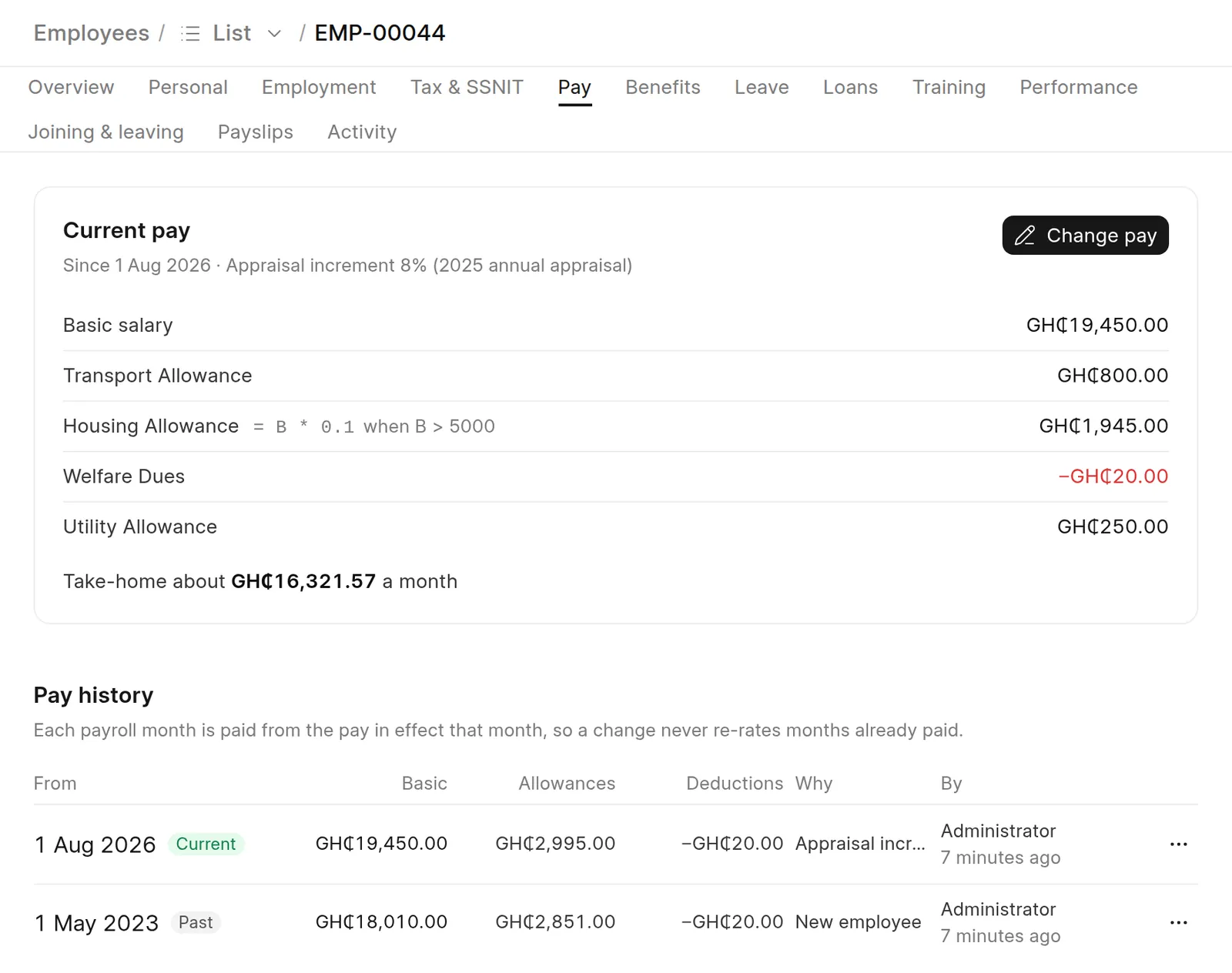
Everyone you employ, in one place
Bring in the sheet you already keep, then keep each person's details and pay history tidy, from their first day to their last.
- Upload your Excel sheet: the columns are matched and every row is checked before anything is saved
- Pay changes from a date, with every earlier pay kept, so paid months never change
- Joining checklists that tick themselves, probation dates, and leaving under the Labour Act with final pay worked out
- Staff update their own details for HR to approve, and a bank or MoMo change sends a security email
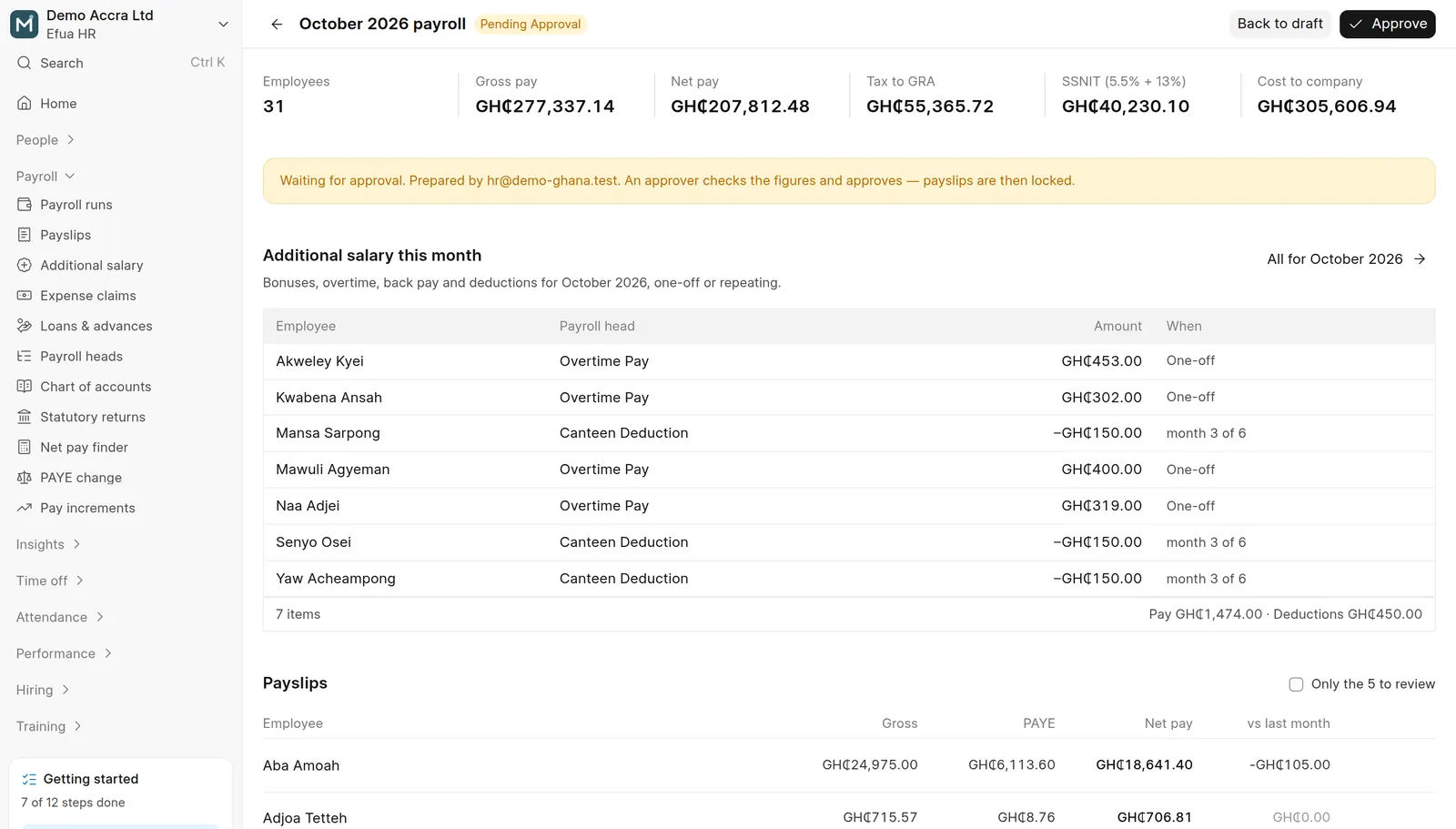
The whole company's payroll in one run
Calculate everyone at once, see what changed since last month, and have someone you choose approve it before anything is paid.
- PAYE on the bands in force for each month (from 1 September 2026 today), SSNIT 5.5% and 13%, Tier 2 and Tier 3, bonus and overtime tax, reliefs and benefits in kind
- Salary Muse flags missing Ghana Card, SSNIT and bank details before you approve
- Bonuses, overtime and deductions as additional salary, one-off or every month
- Staff loans and salary advances repaid from pay, and expense claims paid with payroll
- Payslips by email, SMS or WhatsApp, with Ghana Card and account numbers masked on every PDF
- Bank and mobile money files; Salary Muse never holds your money
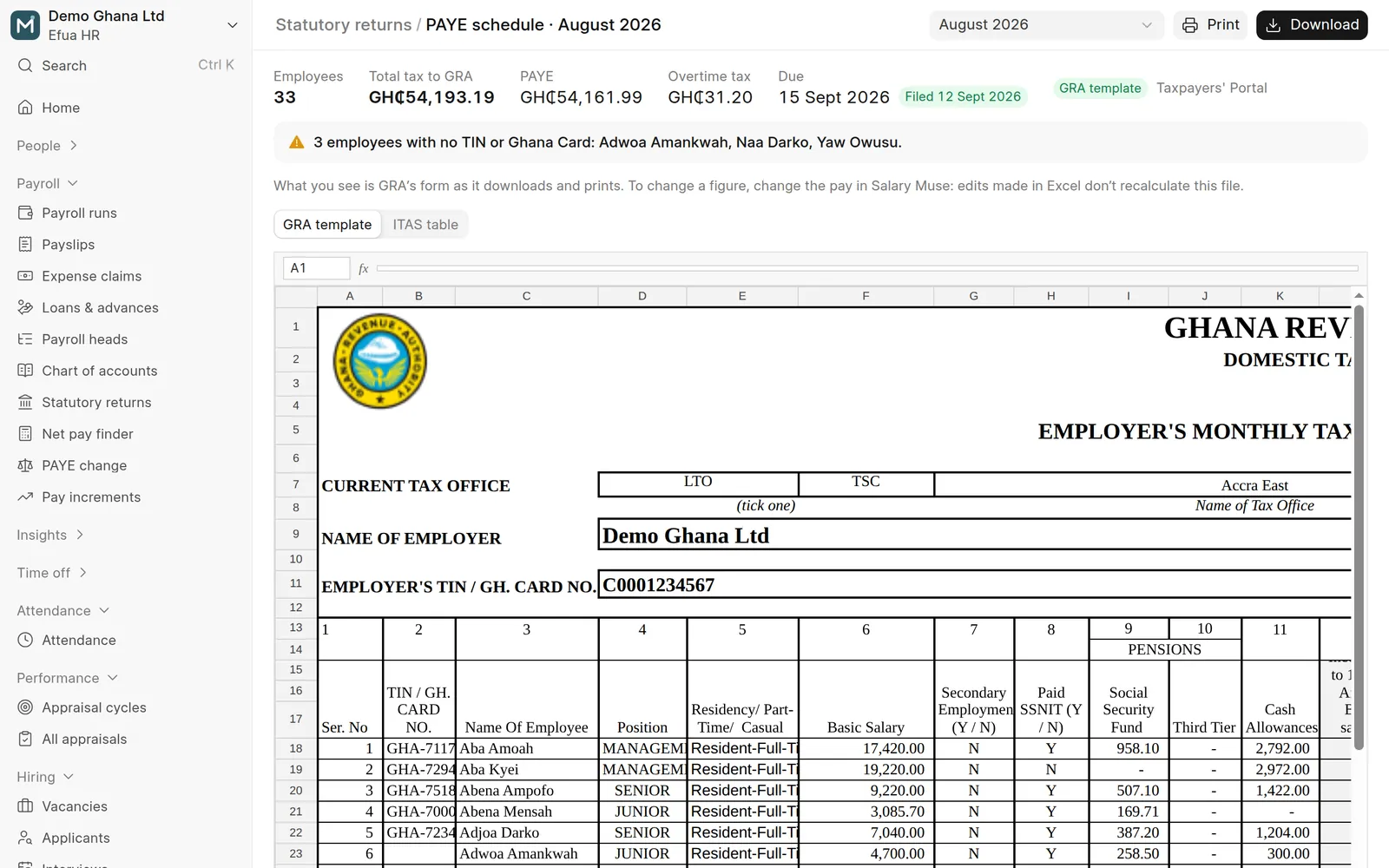
GRA's own forms, filled in
Every return comes from approved payslips, so it matches what you paid.
- GRA's PAYE schedule on GRA's own Taxpayers' Portal file
- Schedules B and C, and the annual return due by 30 April
- SSNIT Tier 1 and the Tier 2 and Tier 3 trustee files
- A filing calendar: SSNIT for October by 14 November, PAYE by 15 November, with what's filed and paid
- A payroll journal for QuickBooks or Xero, from your own chart of accounts
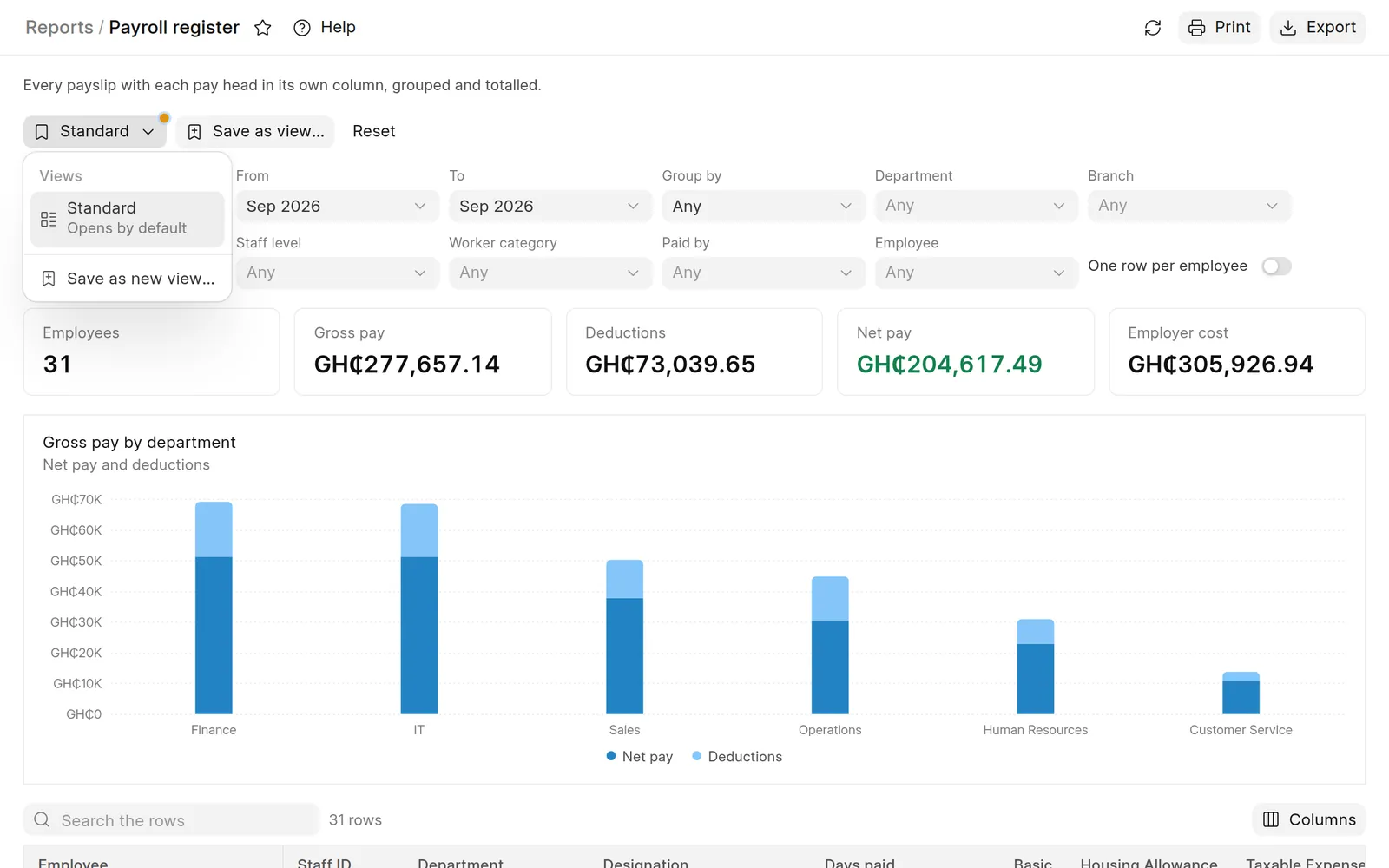
Know where the money goes
44 reports and the payroll and leave dashboards, all from approved payslips.
- A payroll register with each pay head in its own column, grouped and totalled
- What changed since last month, and a data check that points out gaps; you decide what to fix
- Your own saved views of any report
- Every report in Excel, CSV or PDF
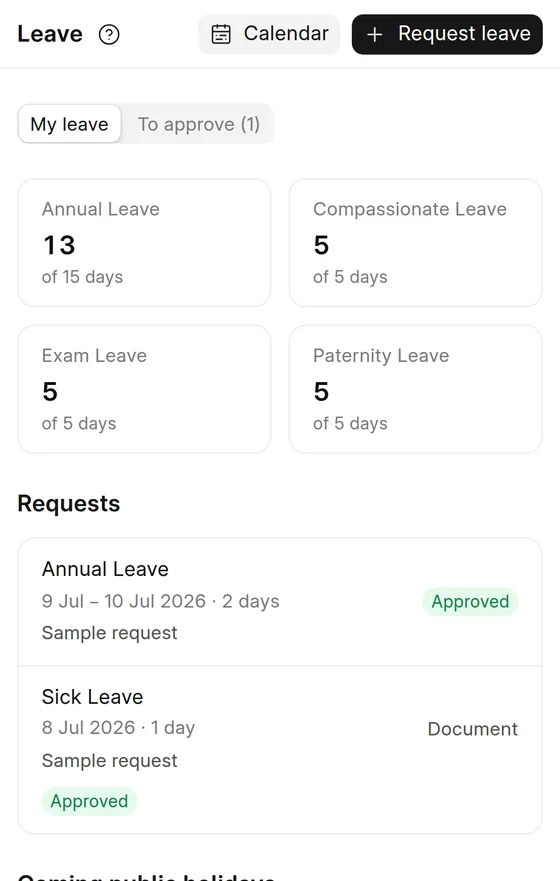
Leave that adds up
Ghana's leave types and public holidays come ready, and approved unpaid leave comes off pay by itself.
- Annual, sick, maternity, paternity, compassionate and unpaid leave, ready to use
- Weekends and public holidays left out when days are counted, observed days included
- Your approval steps: the line manager, the department head or a named person
- A leave calendar by month, week or list, and balances with carry-forward
- Staff ask for leave and see their balance on their phones
Answers inside the app
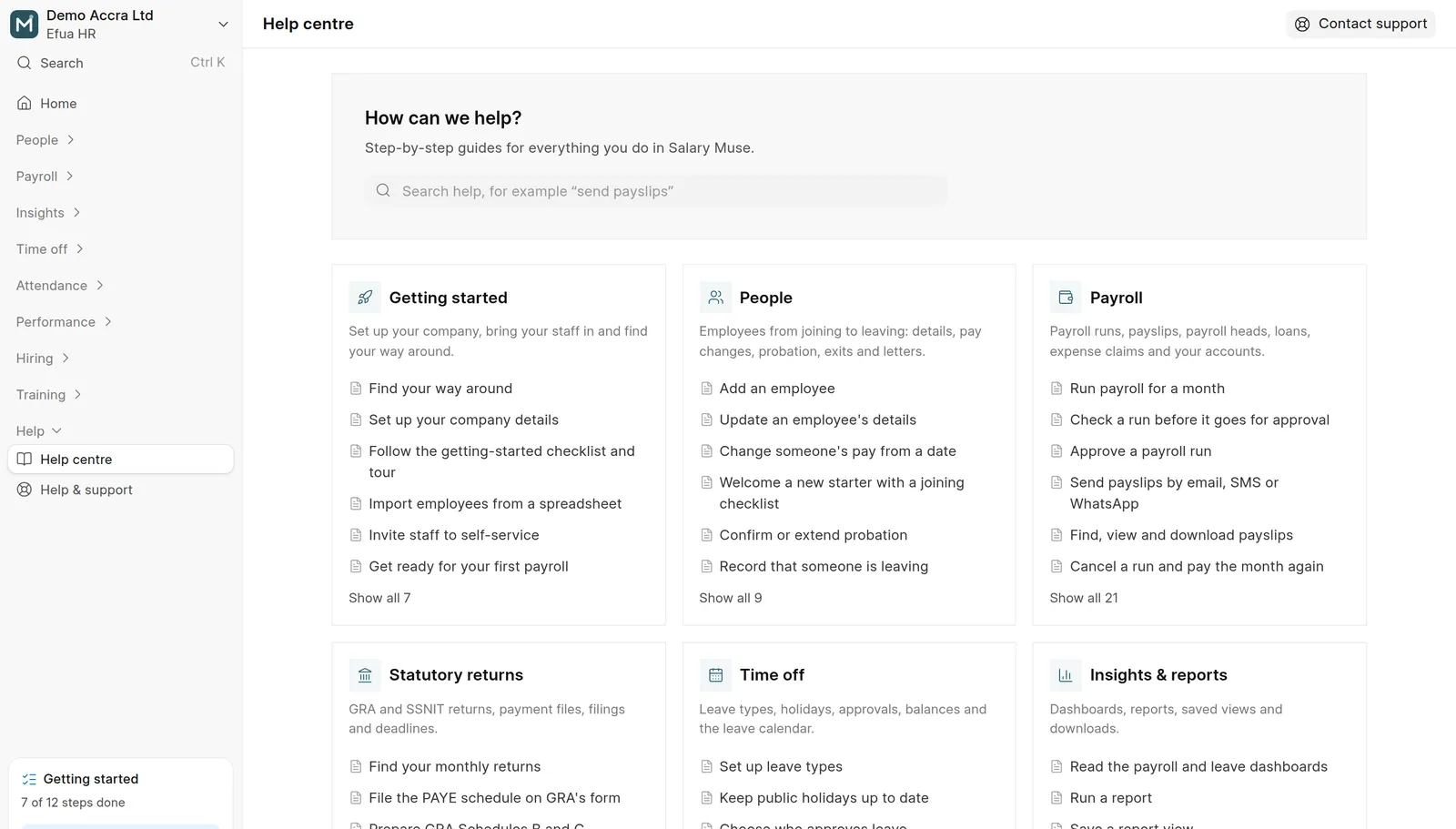
A guide for each task in the app's own words, and the Salary Muse team a message away.
- Step-by-step guides for HR and for staff, with a search
- Ask the Salary Muse team from inside the app and follow each request to its answer
- A getting-started checklist and a short tour for your first payroll
Who came in, and the overtime to pay
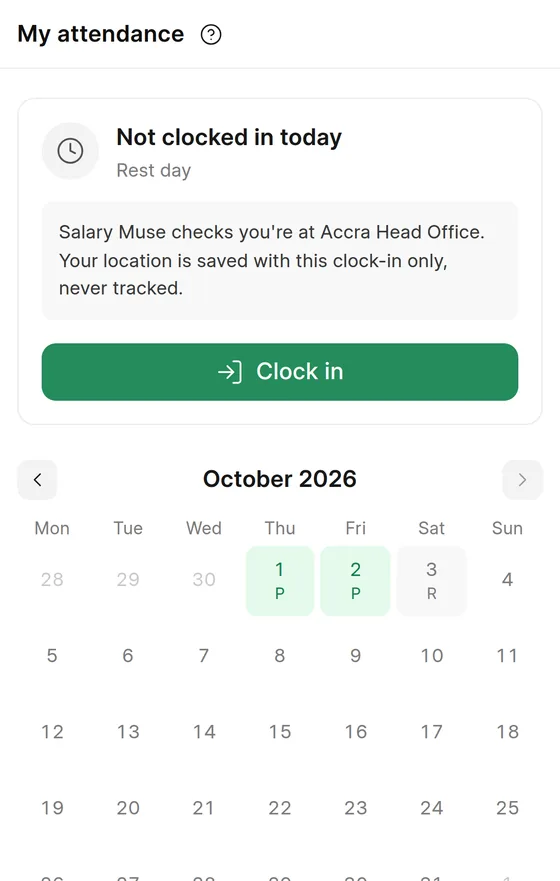
Clock-in on phones at the branch, the daily register and overtime, with each approved month feeding payroll.
Optional: switch it on in Settings → Modules when you want it.
- Phone clock-in at the branch on the server's time; the location is saved with the clock-in only, never tracked
- Shifts, night shifts and weekly overtime worked out from the punches
- Overtime paid only once HR or the line manager approves it
- Corrections and timesheets, then a month close that payroll reads
Appraisals people finish
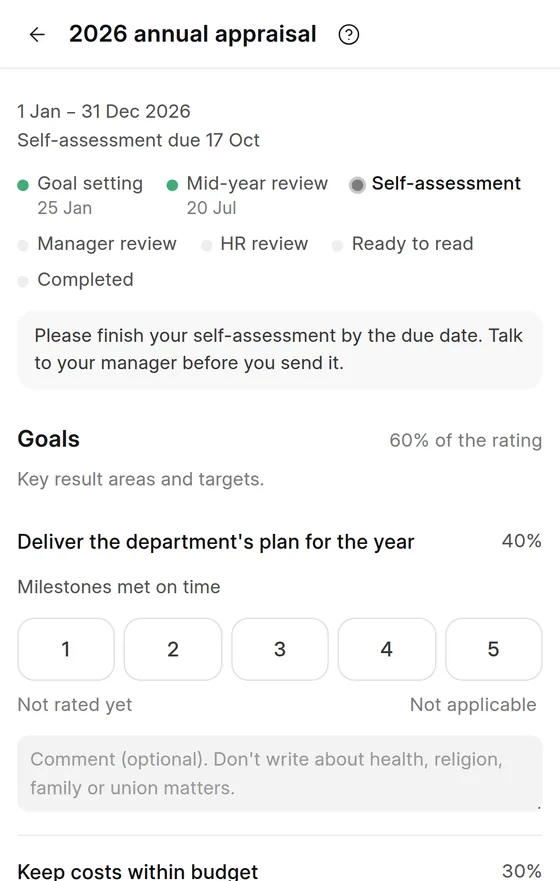
Goals, self-assessments and manager reviews on the PSC 1 to 5 scale, and probation reviews before the end date.
Optional: switch it on in Settings → Modules when you want it.
- Cycles with goal setting, a mid-year review and a self-assessment, as you choose
- Scores worked out section by section; a rating of 1 or 5 needs evidence
- Probation reviews that confirm or extend when they are released
- Pay increments previewed, approved and applied from a date
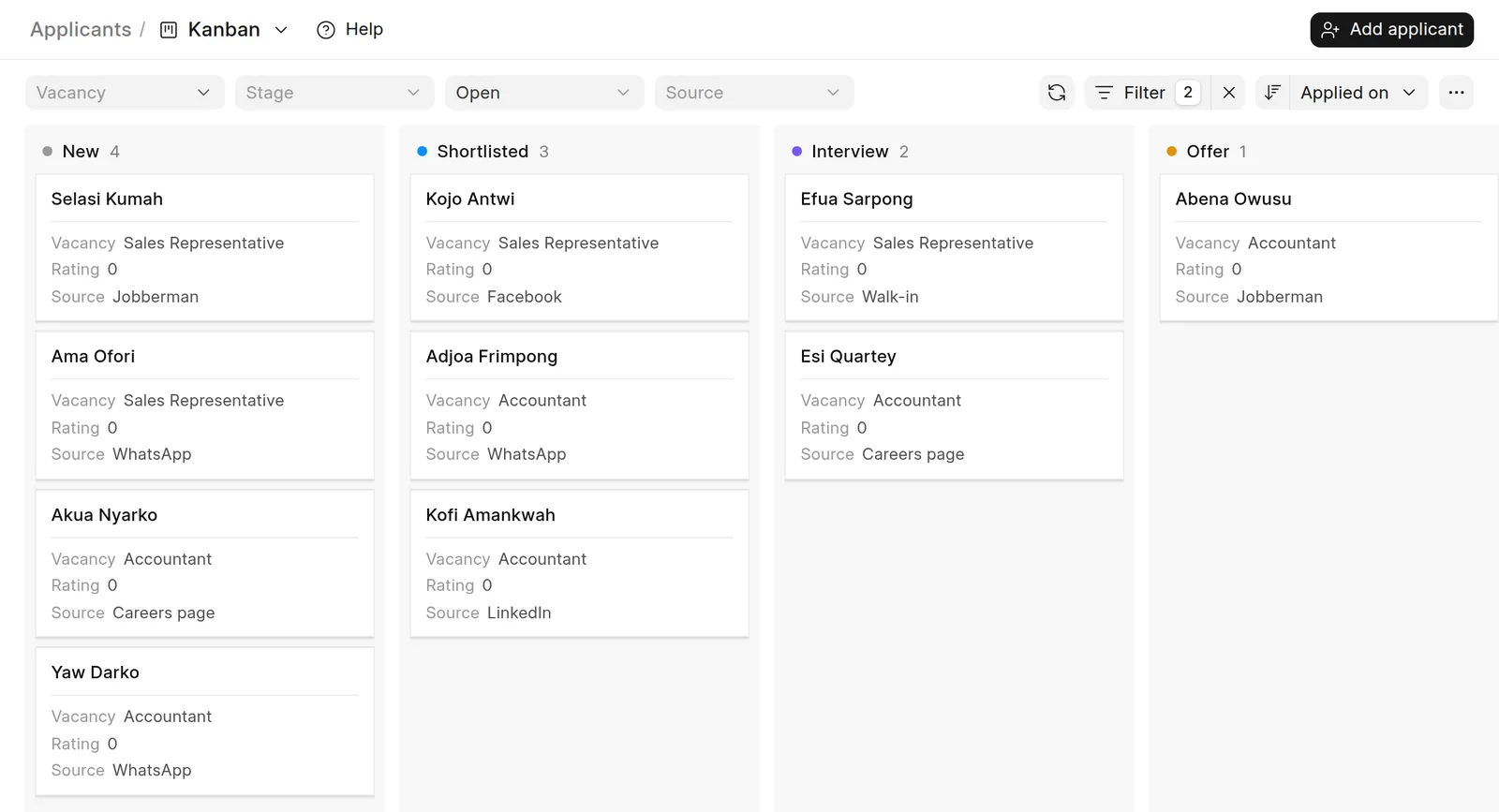
From vacancy to first day
A careers page on your own workspace, an applicant board, interviews and offers accepted online.
Optional: switch it on in Settings → Modules when you want it.
- A careers page for your vacancies; applications and CVs stay private
- An applicant board from New to Hired
- Interview invitations with a calendar file, and feedback from each panelist
- Offer letters accepted online or on paper; the new hire starts with their first pay
Training, certificates and bonds
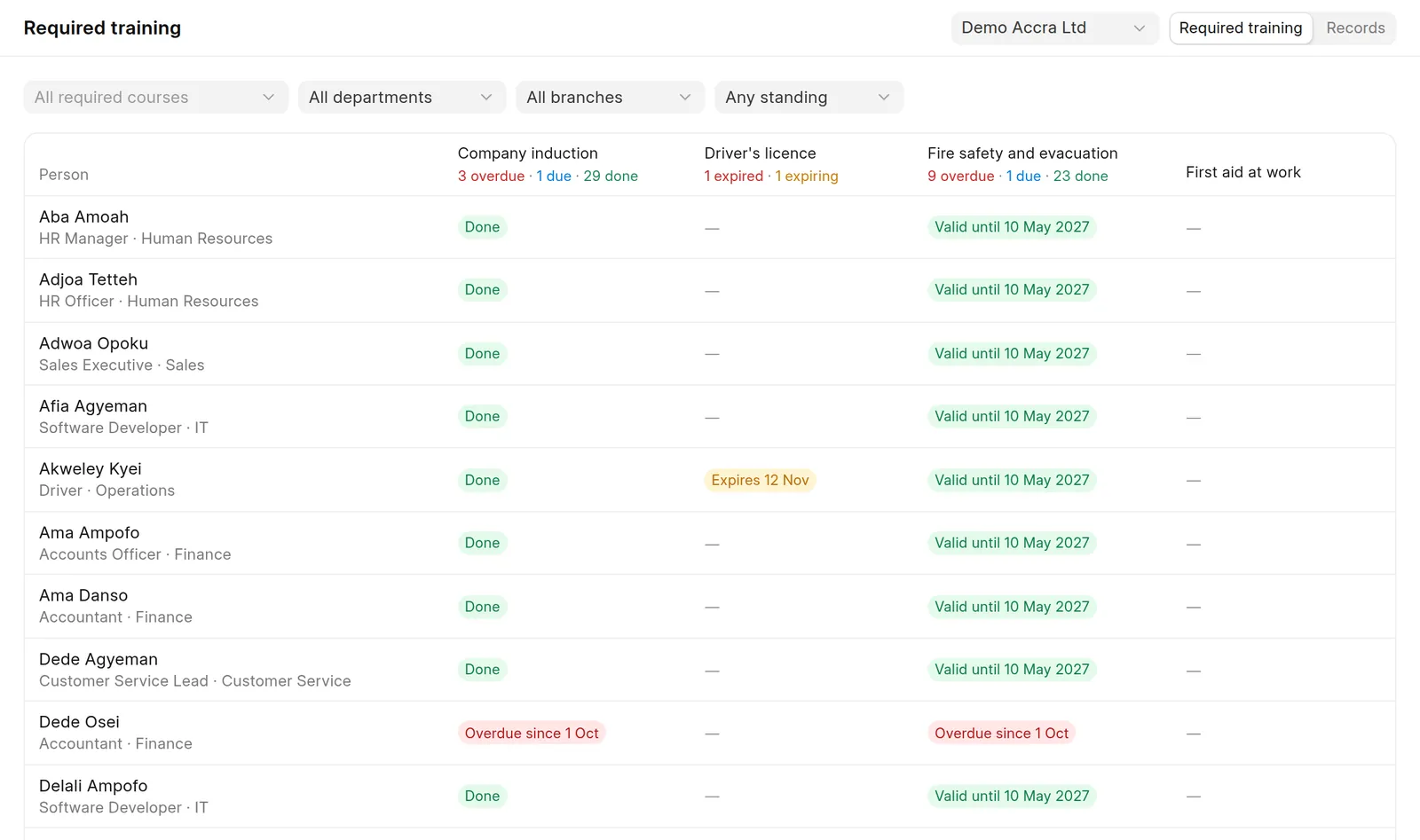
Courses and sessions, required training by job or department, certificates with expiry, and training bonds.
Optional: switch it on in Settings → Modules when you want it.
- Required training by department, job or branch, with what's due and overdue
- Sessions with invitations, and attendance marked on a phone
- Certificates and licences with reminders before they expire
- Training bonds worked out on exit, deducted from final pay only with the employee's consent
See it with your own payroll
Free for up to 5 employees. 3 days to try. No card needed.